Switching from Anki
Your decks and your history, brought over.
Bifold runs the same open-source FSRS-6 scheduler, imports your collection with its review log, and keeps your 1 to 4 keys. What changes is the phone it was designed for. Here is what carries over, what is different, and what Anki still does better.
Import, with the history
Export your collection or a deck from Anki, open the file on your iPhone, and choose Bifold. The schedule picks up where it left off.
- .apkg and .colpkg including the newest compressed export format.
- Review history comes with each card, so intervals and stats continue rather than restart.
- Media images and audio on the front or back.
- Sub-decks become sections of a course.
- Basic, cloze and Image Occlusion note types import as cards. Each Image Occlusion card keeps its image and its own masks; round and freehand masks become rectangles, a "Hide all" note hides only the mask being asked, and text labels are left out and counted in the import summary. Other note types import through their own card templates, so each card shows the fields Anki would show.
- Re-import is safe. Importing the same file again updates cards instead of duplicating them.
- Optimiser on import since you arrive with a review log, Bifold offers to fit FSRS to your memory right away. at launch
The same
Scheduling you already trust
- FSRS-6, the reference algorithm, on your phone
- Desired retention per course
- Keys 1, 2, 3, 4 for Again, Hard, Good, Easy
- Four-button grading as a setting, on by default for imports
- Undo, interval previews, learning steps handled by FSRS
- Per-user parameter optimisation at launch
Different
Designed for the phone in your hand
- Two buttons by default: Missed and Got it. FSRS is built for pass/fail; four is optional precision.
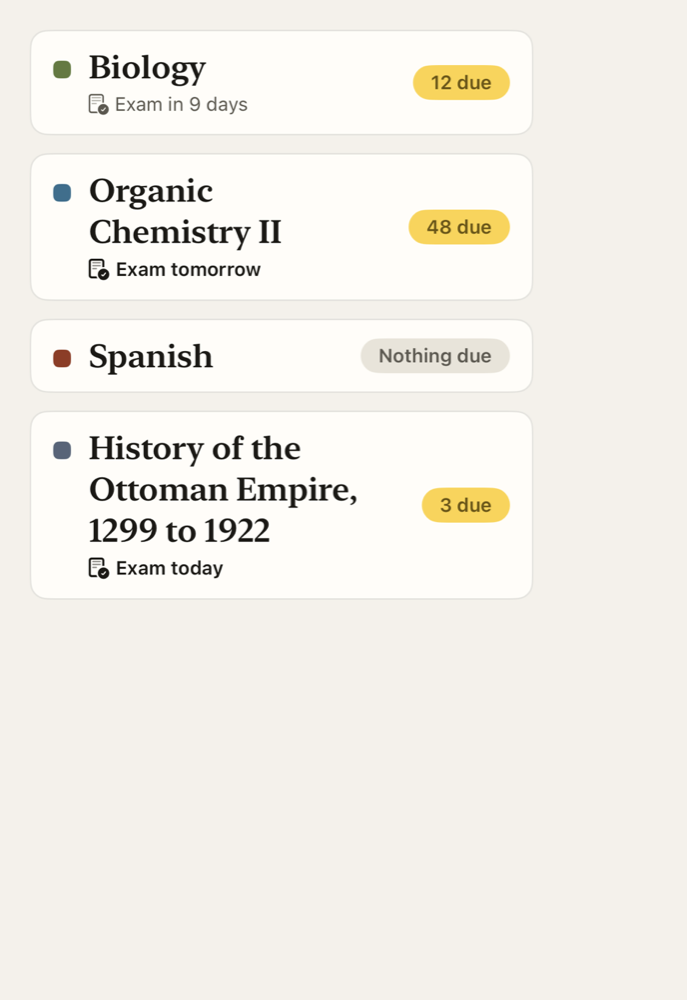
- Courses with exam dates; retention steps up as the exam nears
- Open to Reveal on iPhone Duo; Table Mode at launch
- Explain inline on a missed card, labelled by source at launch
- Cards from photos, PDFs and slides
- iCloud sync, no separate account
Not here
Where Anki is still the right tool
- No desktop app and no web review
- No add-ons or custom card templates
- No AnkiWeb sync; it is iCloud only
- No shared-deck marketplace
- Custom card styling (CSS) and scripts in note templates
If your workflow depends on these, keep Anki. You can export from Bifold as JSON at any time; nothing is locked in.
Why two buttons
FSRS models memory from whether you recalled, not how it felt. Two buttons halve the decision on every card, fit under a thumb in every posture, and are a grade a friend can give honestly. If you want Hard and Easy, swipe up on the bar or turn on detailed grading, and the four pills come back with their intervals.

Questions from Anki users
Is it really FSRS, or a lookalike?
It is the FSRS-6 algorithm from the open-spaced-repetition project, running through the Swift package, with tests that compare our intervals to the reference implementation. We will not describe it as FSRS anywhere unless those tests pass.
Will my 30,000-card collection import?
Collections that size are what Bifold is built for. Import runs in the background and you can study the first cards before it finishes. Media imports too; very large media libraries take longer over iCloud.
Do my intervals and ease carry over?
Your review log carries over, and FSRS state is computed from it. Cards that were scheduled under SM-2 are converted, which is the same thing Anki does when you switch it to FSRS.
Can I get my cards back out?
Yes. Export a course or everything as JSON with media. An .apkg export is not available today.
Is the import free?
Yes, and it always will be, with no card limit.
Bring your collection.
Import is free, unlimited and keeps your history. Bifold is coming to the App Store; write to us to hear when.